Menu
ChargingLenses All Trainings
Book Now

Field Training

Two Theta Z1 Quirks

Field Training

The lenses scratch easily, and the camera is picky about what charges it.
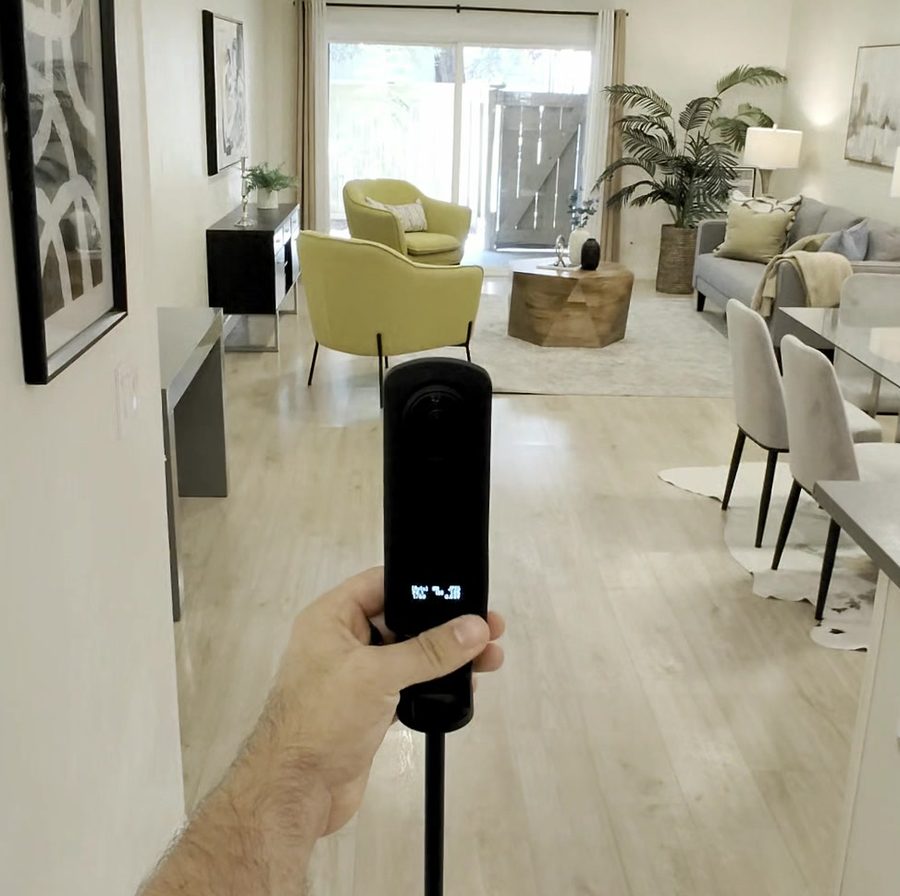
The Theta Z1 held out on its stick in a staged living room
1. Charging: prove it before you trust it

Skip this and you will mess up a shoot, in days or weeks, not years.

THIS PAIR

Find a Pair That Charges

When youre at home and get a chance, test cables and wall adapters at home until you find a pair that charges the camera. Then use only that pair. Ricoh warns that any cable other than the one in the box may charge it slowly or not at all…. again sadly speaking from experience here as well. just a few weeks ago I ruined a shoot by having my camera plugged in all day and then arriving to a shoot only to find out it wasnt charging

Ricoh tested theseWALL ADAPTERSGR AC-U1iPhone or iPadANKER POWER BANKS20000 PD13400 Switch10000 PD

Ricoh Tested These

Ricoh tested these and says they charge the Z1, with no warranty coverage. The GR USB power adapter AC-U1 and a genuine iPhone or iPad USB power adapter both work. Three Anker power banks also passed: PowerCore Speed 20000 PD, PowerCore 13400 Nintendo Switch Edition, PowerCore 10000 PD.

Turn It Fully Off

Turn it fully off before you plug it in. Hold the power button until the lamp flashes red. A quick press only puts it to sleep, and a sleeping camera keeps using power, so it may not charge properly.
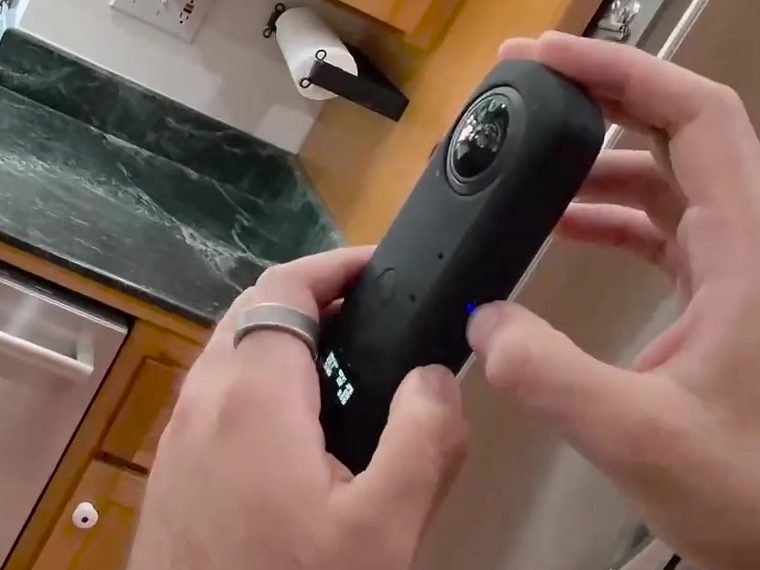
Flashes redfully offHOLDz zQuick presssleep only
Both hands on the Theta Z1, its power light on the sidePower light

Trust the Battery Level

Trust the battery level on the small screen, not the power light on the side of the camera. a green light only means charging started, and a dark light can mean done, asleep, off, or dead.
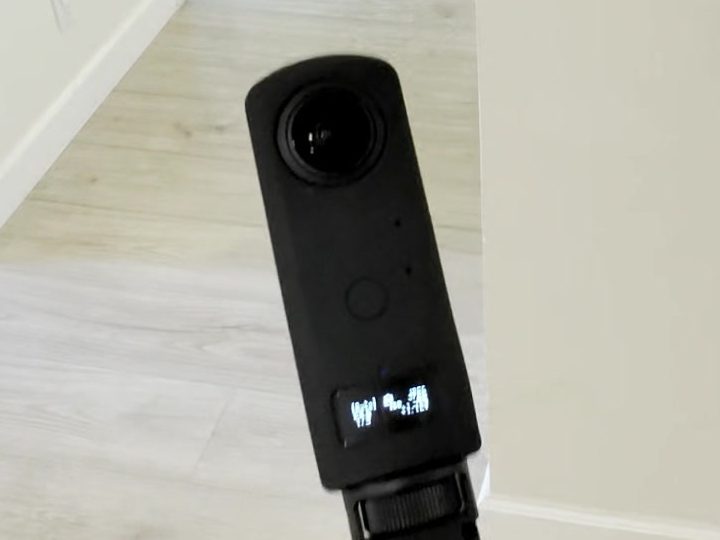
Small screentrust thisPower lightChargingstartedDone, asleep,off, or deadnot this
Close up of the Theta Z1 and its small screenSmall screen
Night beforechargeShoot dayNight aftercharge

After and Before Every Shoot

Charge it the night after and before every shoot.
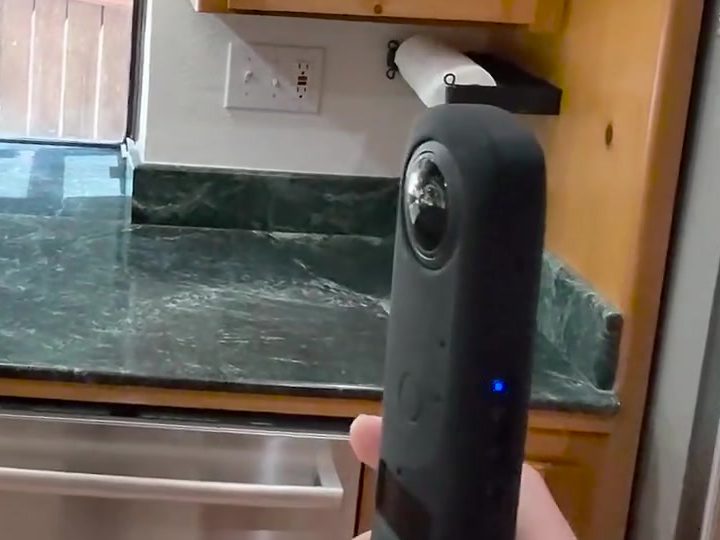
2. The lenses scratch on almost anything

Wrap Both Lenses

Every time the camera goes in your bag, wrap both lenses in a clean, soft lens cleaning cloth and hold it with a rubber band. From personal experience, the soft fabric my camera backpack scratched the lenses.

Soft lenscleaning clothRubber band
The Theta Z1 lensLens
on and offSiliconecatches gritand drags itacross the glass

Skip the Silicone Lens Cover

Skip the silicone lens cover that come with it. Mine scratched the lenses. The silicone catches dust and sand like particles, and sliding it on and off drags that across the glass causing scratches… once again speaking from personal experience here.

1Blow off dust2Wipe smudges

Check Both Lenses

Before every shoot, check both lenses. Blow dust off first, then gently wipe smudges with a soft cloth.

Field Training

Back to All Trainings

Every other training in the library sits one tap away.

Back to all trainings
Photographer field training · by Listing Light